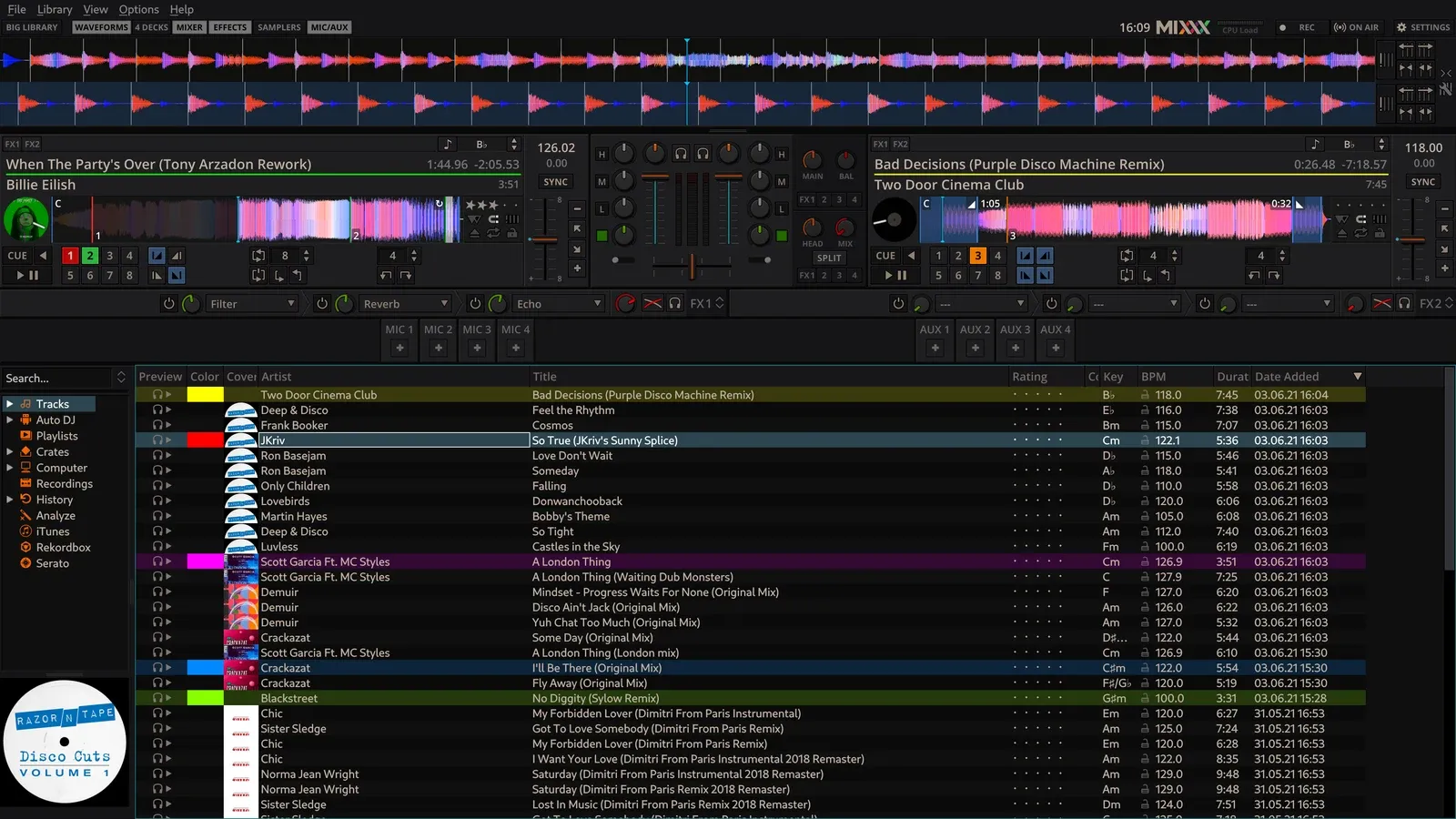
PC screen
Share the DJ software screen with the VJ.
Share the DJ software screen with the VJ.
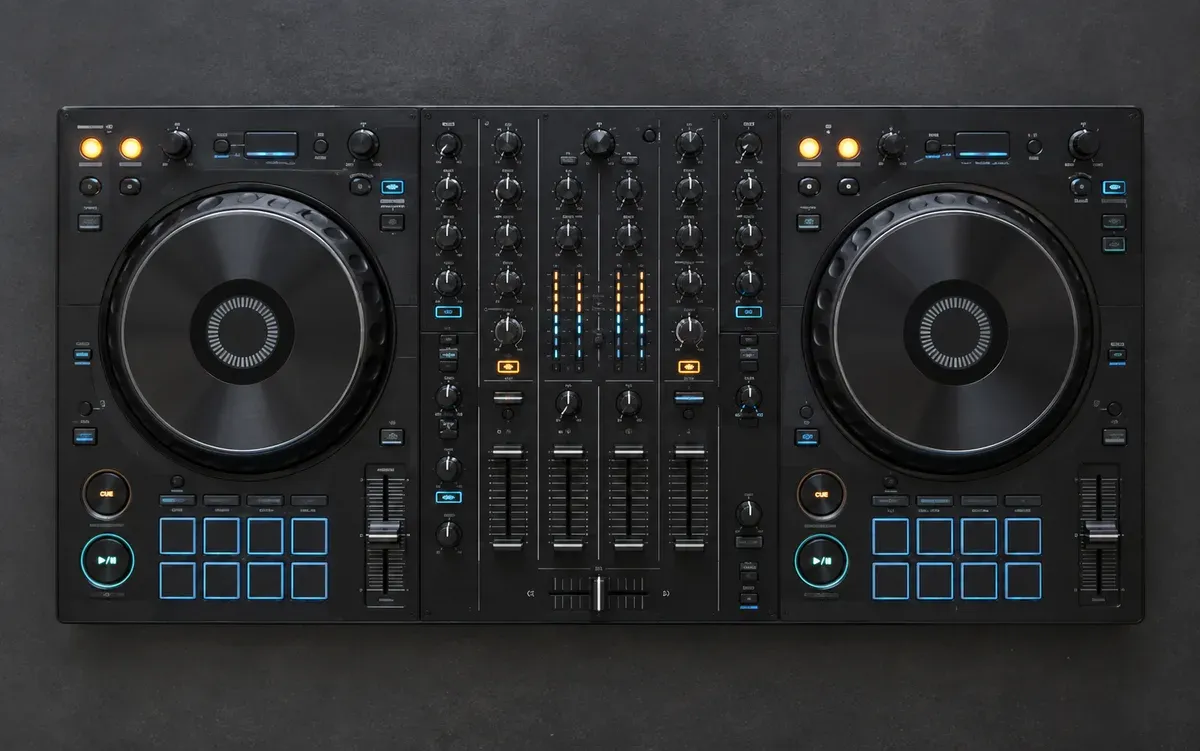
Share camera views of the DJ’s setup or the venue.
Share audio from the DJ’s set, with or without video.
Connect. Share. Together.
Share a screen, audio only, or a camera. You decide when sharing starts.
Create a room, receive up to 8 DJs, and monitor their screens and audio.
Share the room ID with your DJs. Their media will appear here when sharing starts.
Media is shared inside this private room only.
DJ → VJ
Received preview · DJ-1
Audio only · No video capture
Output received video to Spout2-compatible apps on the same PC.
Send the room ID to the DJ who will share.
Enter the ID and select a screen, camera or audio source.
The VJ receives the video and audio on their PC.
The current pre-release supports sharing and receive monitoring. External broadcasting and recording are unavailable. Switching video for broadcast is planned.
No. Video and audio travel directly between PCs. Some VPN or firewall configurations may prevent a connection.
The design supports up to 8 senders for one receiver.
Note: eight simultaneous participants have not been tested.
Please include your OS, app version and what happened.